Stop losing user data when API calls fail.
When a payment, upload, or order fails, you need to know immediately — and recover the data. EndpointVault captures critical failures with encryption, shows you exactly which endpoints are unreliable, and lets you replay requests safely after you fix the bug. Connect in minutes with our Flutter SDK.
Why teams pay for EndpointVault
You're not paying for "logs". You're paying for a managed system that continuously captures and explains critical request failures — with encryption — so you can fix regressions faster and stop losing unique user data.
The pain
- Critical flows fail silently (payments, onboarding, uploads, orders).
- Data can be unique: one-time forms, documents, confirmations.
- Vibecoding accelerates shipping but increases fragility and regressions.
- Without endpoint-level stats, you discover issues too late.
What you get
- Hosted + managed Serverpod backend (no DevOps needed).
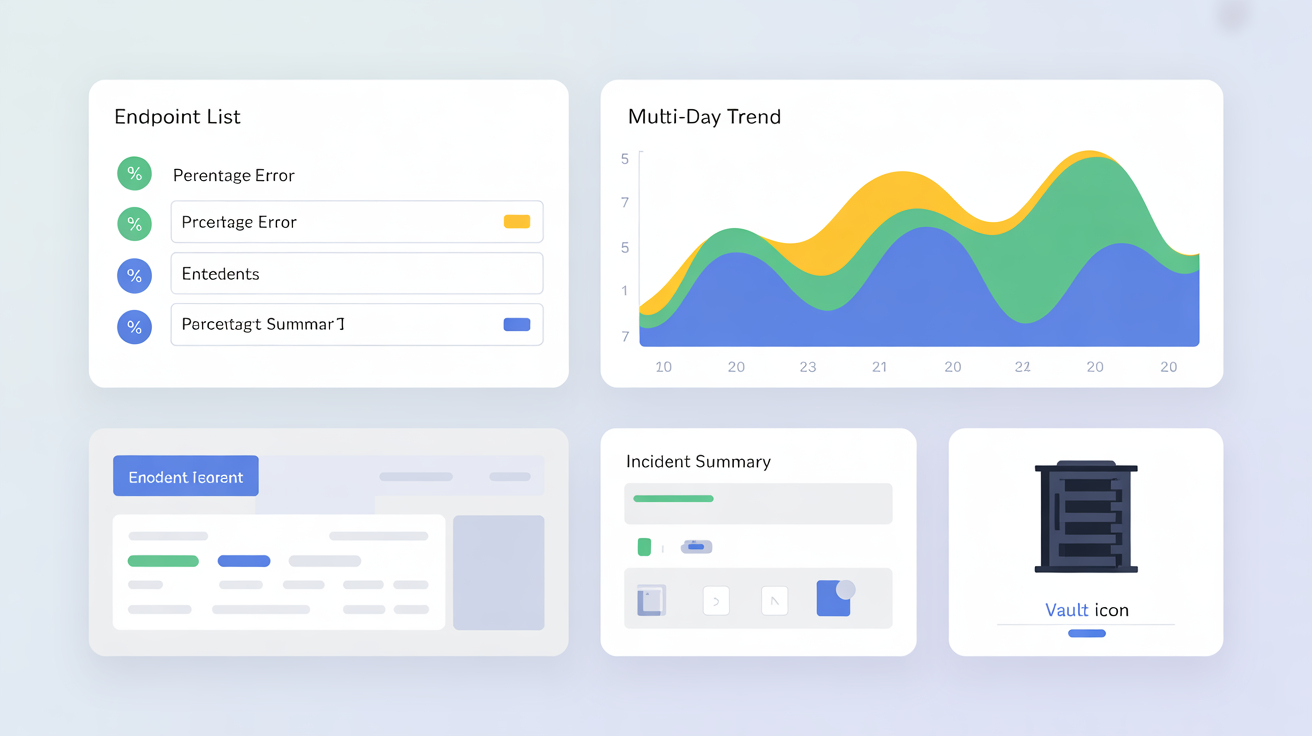
- Analytics Dashboard: problematic endpoints, error patterns, daily overviews.
- Endpoint reliability stats: error rates by route, version, time window.
- Encrypted capture with redaction defaults (tokens/PII stripped).
- Replay / verification after backend fixes (server or device mode).
- Flexible encryption: client-only keys or server-stored for replay.
- Alerts via email/Slack/webhooks with configurable thresholds.
How it works
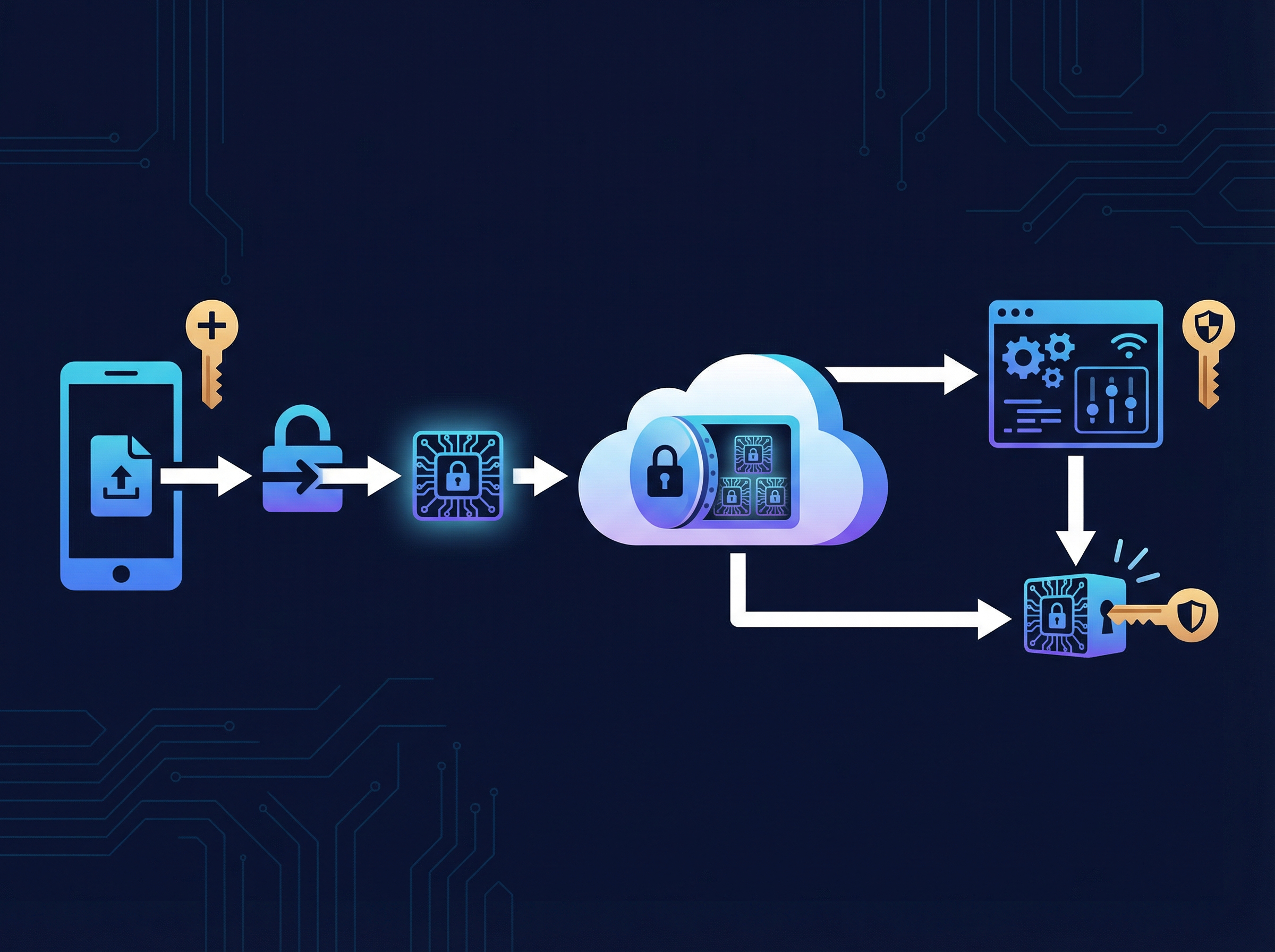
Three steps. You keep control of your data. We provide visibility and recovery tooling.
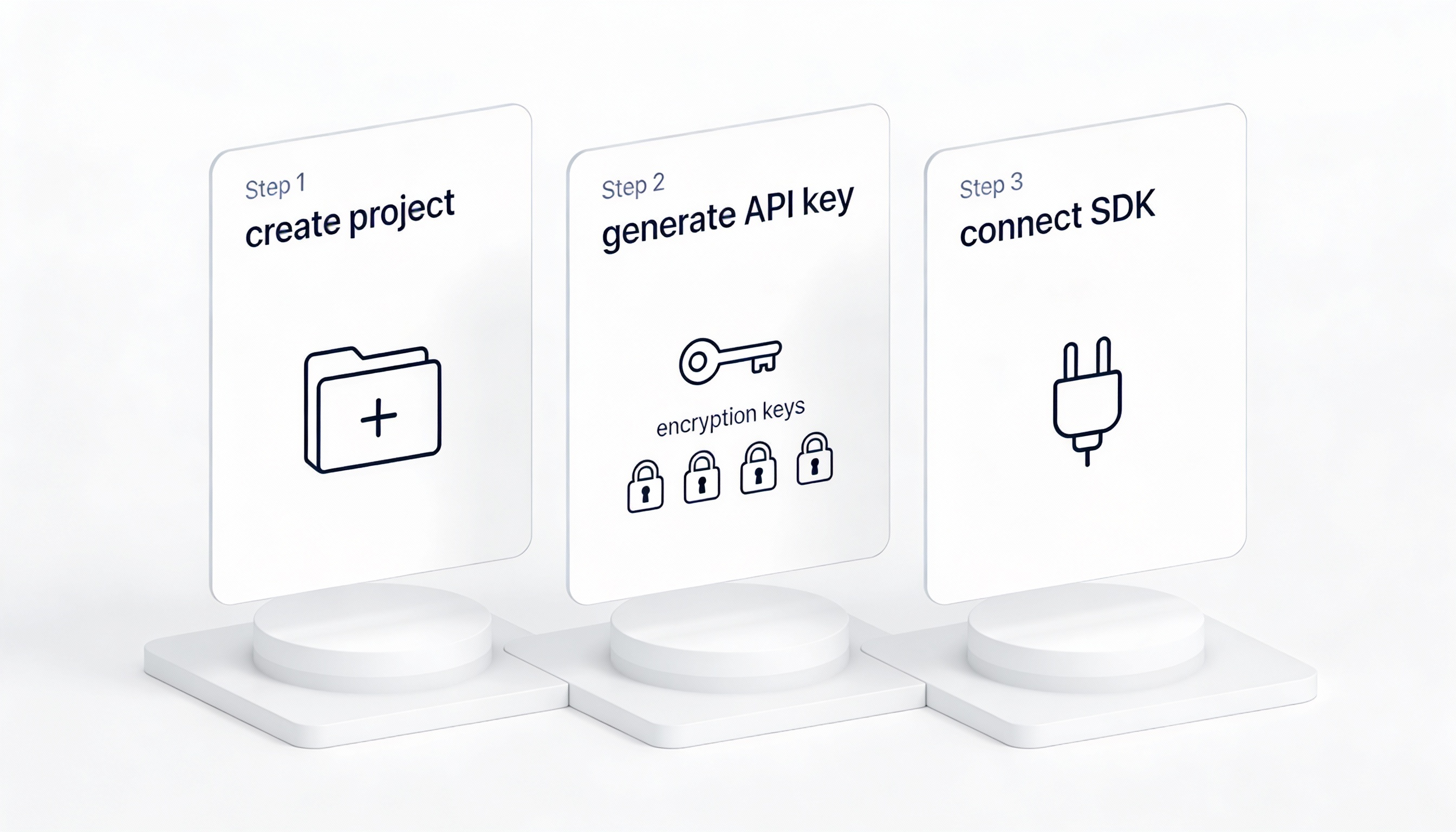
Create a project (2 min)
Register, create a project, and get your API key.
Set encryption (1 min)
Configure your encryption keys. Payloads are encrypted before storage, and you control access.
Install SDK (5 lines of code)
Add the Flutter/Dio SDK, mark critical requests, and see your first endpoint stats within minutes.
Replay options
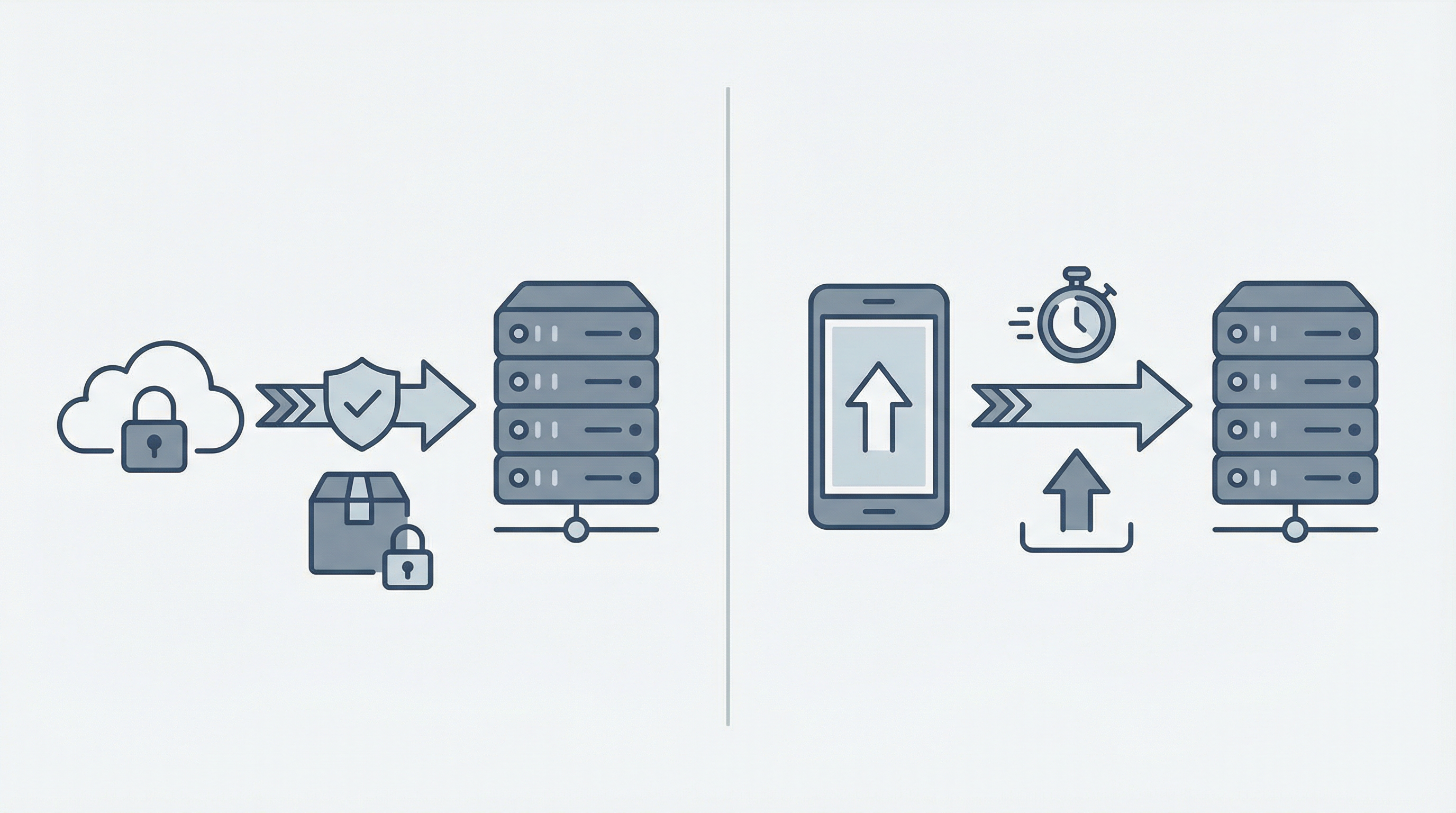
- Server-side replay/verify: re-send payload once your backend is fixed (recommended for non-user-token flows).
- Device-side replay: request a replay from the device when auth tokens are short-lived or user-context is required.
Analytics Dashboard
- Error rate per endpoint (route) with trend analysis
- Status code distribution (2xx/3xx/4xx/5xx/timeout/network)
- Problematic endpoints detection + alerts
- Daily/weekly/monthly overview with hourly breakdown
- Regression tracking by app version + environment
- Common error patterns identification

Security & privacy
EndpointVault is built for sensitive businesses. Default principle: store only what you need to debug and recover — and protect it with encryption.
Encryption-first design
- Encryption in transit (TLS) and encrypted storage.
- Client-side redaction defaults (e.g., remove Authorization/password/token fields).
- Configurable retention (auto-delete after N days).
- Access controls and audit-friendly workflows.
Built on Serverpod
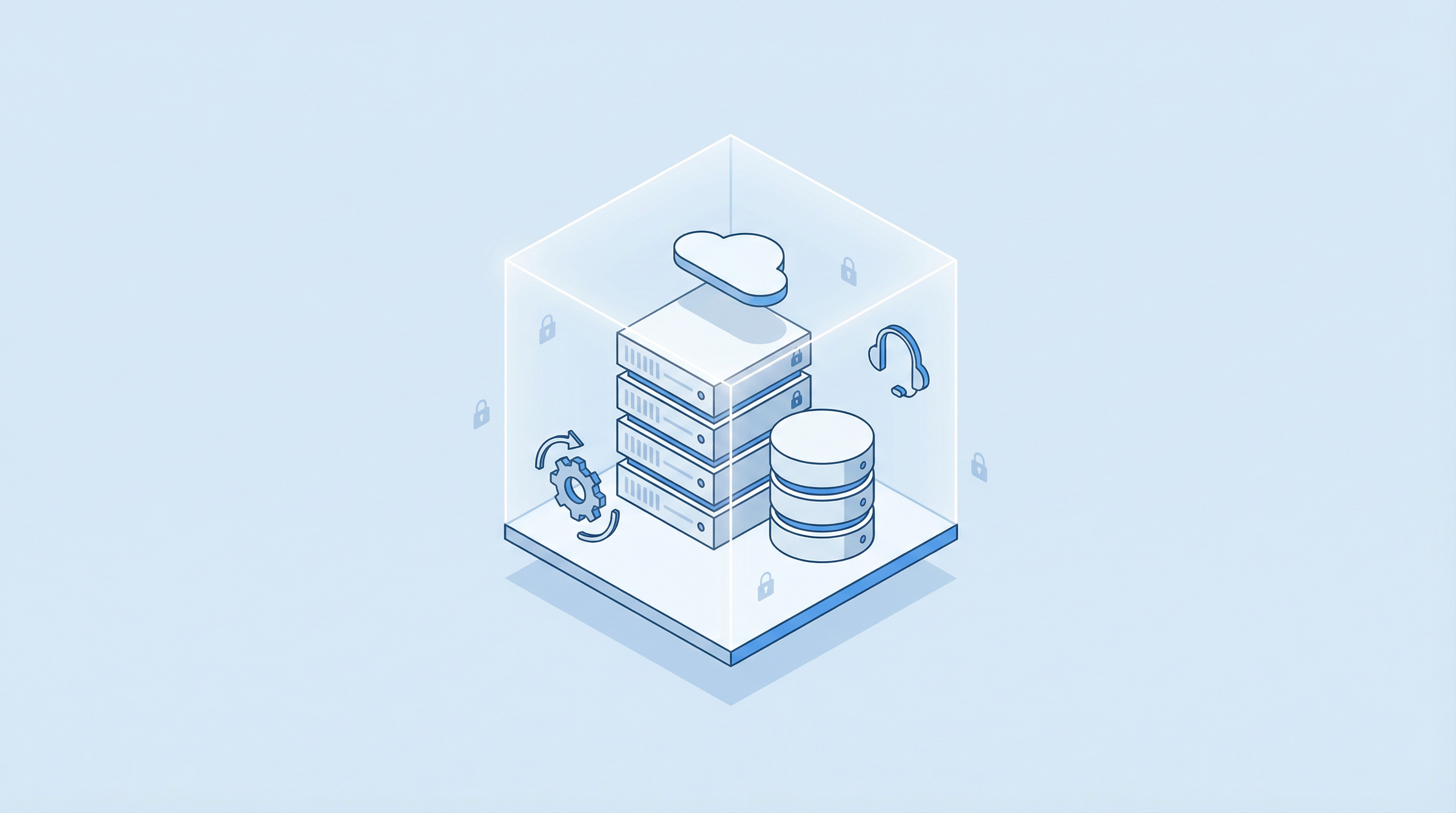
Serverpod is open-source, so the server architecture is transparent and inspectable. You can run EndpointVault hosted by us, or self-host on your AWS with our paid support.
Pricing
Start free. Upgrade when you need higher volumes, longer retention, and more integrations.
For prototypes and small apps.
- 1 project
- Up to 500 events / month
- 7-day retention
- Basic endpoint stats
- Limited email alerts
- Encryption + redaction included
For teams that need visibility and fast recovery. Cancel anytime.
- 3 projects
- Up to 10,000 events / month
- 30-day retention
- Full endpoint stats dashboard
- Unlimited email alerts
- Slack + webhook alerts
- Replay / verification tools
- Priority email support
For larger workloads and compliance needs.
- 10 projects
- Up to 100,000 events / month
- 90-day retention
- Team access controls
- Audit log
- Custom redaction rules
- Custom retention policy
- Dedicated support channel
Run it in your AWS. Pay for support only.
- Serverpod + your AWS
- You control network & storage
- Setup & configuration help
- Upgrade guidance
- Security checklist
- $49/mo support (optional)
Events = captured critical failures (encrypted context). Need higher limits? Add-ons are available.
FAQ
Security, encryption, replay, and how this fits into your existing backend.
What exactly am I paying for?
You pay for a hosted, managed Serverpod backend that captures critical failures safely, aggregates endpoint reliability stats, provides a searchable dashboard, and sends alerts. Self-hosting is supported — paid support is optional.
Can you read my data?
The default approach is data minimization + encryption. Sensitive fields (tokens, passwords, secrets) are redacted by default. Payloads can be stored encrypted, and you control keys and access policies.
How does encryption work?
You configure project encryption keys. The SDK encrypts the captured payload (or selected fields) before it's stored. Your team can decrypt for verification/recovery. You can also choose to store only metadata + fingerprints.
What about auth tokens that expire? Can replay still work?
Yes — there are two modes: server-side replay for flows that don't require short-lived user tokens, and device-side replay when the request must be made from a live user session. EndpointVault can request device replay and record results.
Is this a replacement for Sentry/Datadog?
No. EndpointVault is focused on critical request failures, endpoint-level reliability stats, and recovery/verification workflows. It complements crash reporting and general observability.
What do you store by default?
Typically: endpoint route, method, status/error type, timings, app version/environment, and a redacted/encrypted payload only when needed. You can configure redaction rules and retention per project.
Can we self-host in our AWS/VPC?
Yes. EndpointVault is Serverpod-based, so you can deploy it to your AWS environment. If you want, we offer paid onboarding/support (setup, upgrades, best practices).
Do you support Slack / webhooks?
Yes. Pro includes Slack and webhooks. Email alerts are available on all plans (Free is limited).
What is an "event" in pricing?
An event is one captured critical failure (request failure + encrypted context). You choose which requests are "critical".
How do I get started?
Sign up for free, create a project, configure your encryption keys, and install the Flutter SDK. You'll see your first endpoint stats within minutes of integration.
Your next critical failure is coming. Be ready.
Start capturing failures and protecting user data — setup takes under 10 minutes.